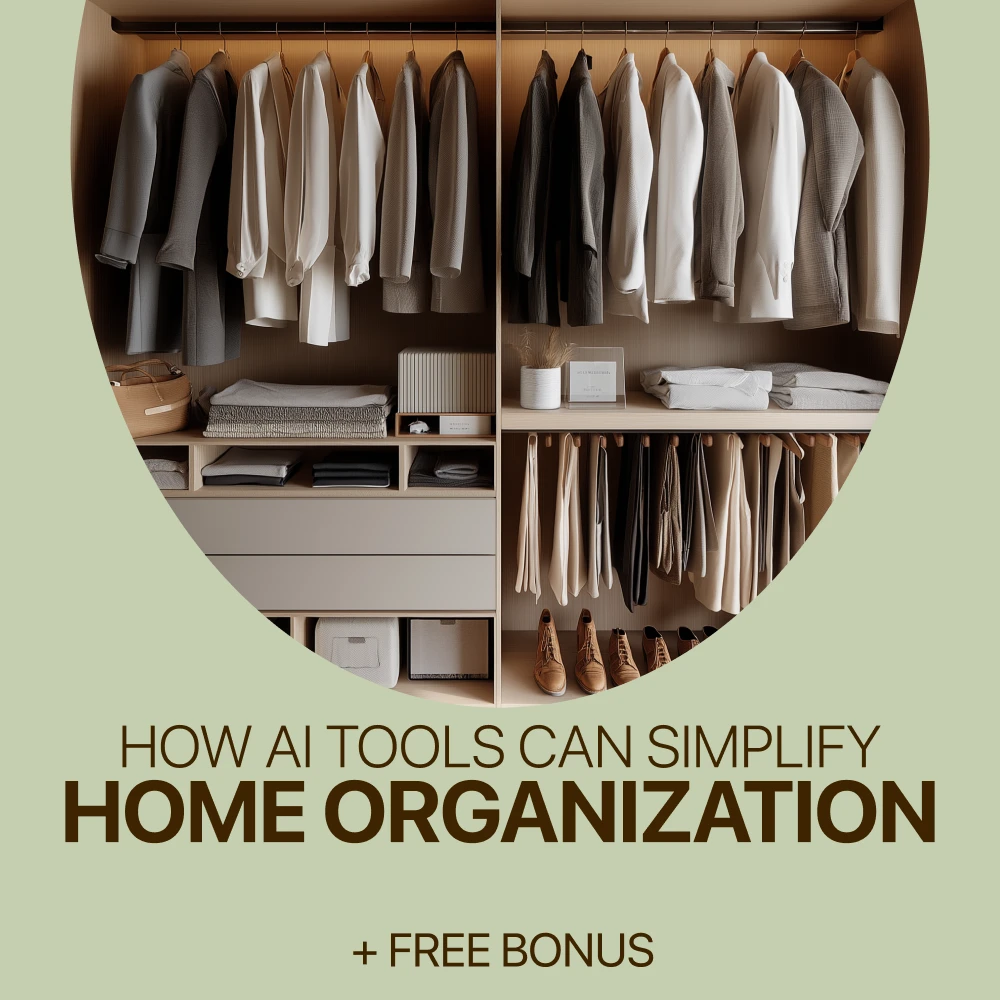
How AI Tools Simplify Home Organization and Decluttering
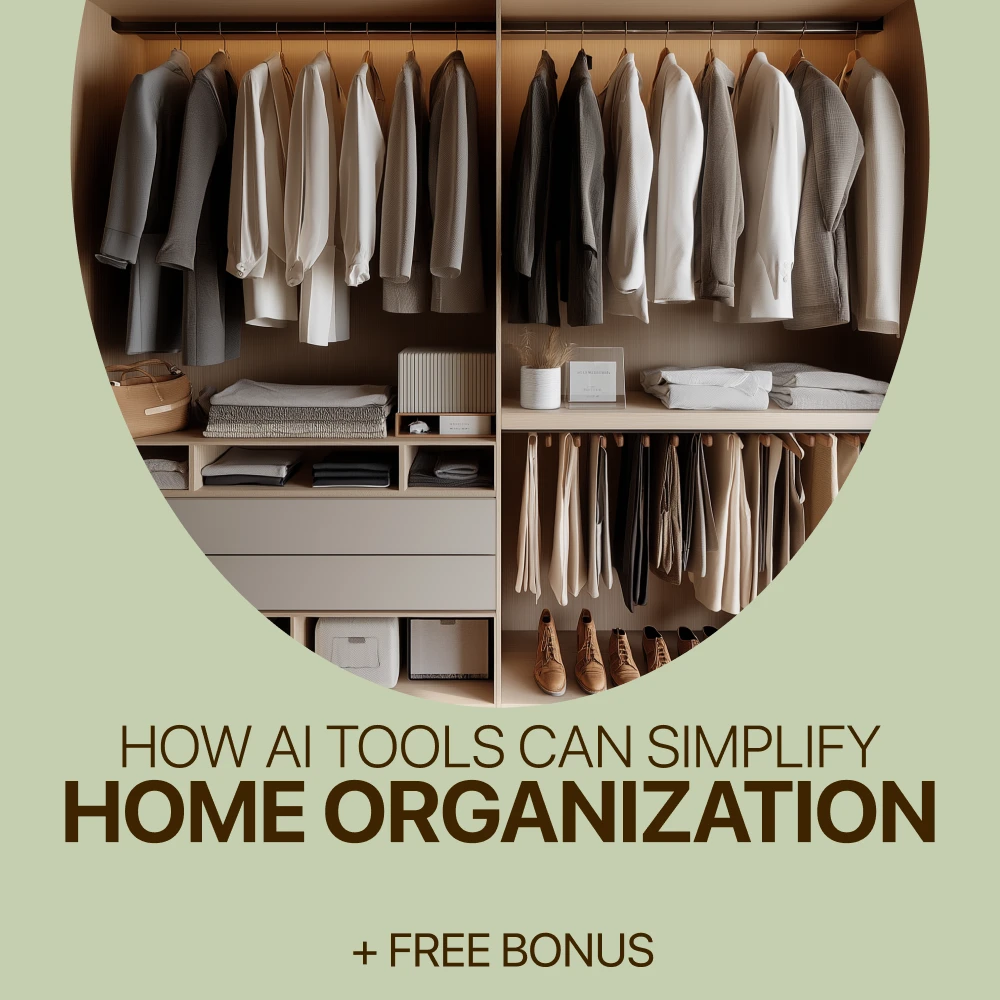
Start by describing the area in general terms: what tends to collect there, how much time you have, and what matters to your household. You might mention that your kitchen counter holds mail, appliances, and reusable bags, and that you need to keep the coffee maker accessible. There’s no need to share names, addresses, or other identifying details.
Ask your assistant for a sequence that covers four steps: sort the items, decide what stays, assign a home to each category, and schedule a reset. If the response feels too ambitious, ask for fewer steps or a plan that requires no new supplies.
For a 20-minute kitchen project, try this request:
“Help me organize a kitchen counter in 20 minutes. It holds mail, small appliances, and reusable bags. Give me a short plan to sort items, decide what stays, assign homes, and maintain the clear space.”
The resulting plan might suggest sorting for five minutes, moving items that belong elsewhere, and leaving a final minute to wipe the counter. Adapt the timing to your space. You can also keep a small “decide later” basket so one difficult item doesn’t derail the whole session.
Featured in this guide
How AI Tools Can Simplify Home Organization – Smart Digital Guide to Using ai tools for home organization, Decluttering Systems, Planning & Stress-Free Routines
A conversational assistant can help you plan a crowded shelf. A calendar assistant may suggest a time for a recurring reset, while a note-taking tool can turn a supply list into a checklist.
Compare current features, integrations, privacy settings, and costs before choosing. If a simple list already works, another app may not be necessary.
Try a five-minute daily reset: return a few items to their homes, clear one surface, and note anything that needs attention later. Once a week, review what accumulated and whether the system still works.
On a busy day, putting away three items may be enough. For a larger project, ask for short sessions by category, such as shoes one day and linens another. Keep everyday items accessible, and adjust the plan to your available space, budget, and preferences.
Check the product’s listed specifications when evaluating build a routine that fits.
General descriptions are usually enough. Avoid entering names, addresses, financial details, account information, or other sensitive household information. Describe paperwork as “bills and mail” rather than sharing its contents.
Review a tool’s privacy settings and data practices before uploading photos or connecting accounts. Consider its recommendations before acting: it may misunderstand your space or suggest an unsuitable storage location. You make the final decisions about what to keep and where it belongs.
Check the product’s listed specifications when evaluating keep planning private and practical.
Our How AI Tools Can Simplify Home Organization digital guide focuses on AI-assisted organization, decluttering systems, planning, and stress-free routines.
Our team recommends pairing the guide with one manageable project, such as an entryway shelf or a kitchen counter. Give the new system a week, notice what works, and adjust before moving to another area. If your next goal is a more comfortable home environment, you can also explore our practical guide to improving indoor air quality.
Check the product’s listed specifications when evaluating explore the digital guide.
Rankings depend on your task and change over time. Compare conversational assistants, scheduling tools, note-taking tools, task managers, and visual planning tools by their current features, privacy settings, and cost.
AI tools span many categories, including conversational assistants, calendar assistants, note-taking tools, task managers, visual planners, writing assistants, image generators, transcription tools, translation tools, and coding assistants. Choose based on the job you need done rather than the length of a list.
There is no single agreed-upon set of four main AI tools. For home planning, useful categories include conversational assistants, scheduling tools, note-taking tools, and task managers.
There is no overall best AI for every task. ChatGPT may be useful for generating plans and checklists, while another tool may better suit your scheduling or integration needs.




Leave a comment