
How to Create AI Animal Videos: A Step-by-Step Guide
20% off on product page · save $3.00
How to Create AI Animal Videos: A Step-by-Step Guide
Start With the Kind of Animal Video You Want
You can create an AI animal video by generating short clips from a written description, animating an image you have permission to use, or editing footage you recorded yourself with AI-assisted tools. If you want a playful fantasy scene, text-to-video is a good starting point; if you want your own pet to be recognizable, begin with a clear photo or video of that pet.
Decide whether the result should look realistic, illustrated, or cartoon-like before you choose a tool. Keeping that style consistent will make separate clips easier to combine into one video.
Build the Video in Short Steps
Write a prompt that names the animal, its action, the setting, the camera view, and the visual style—for example, “a cartoon beagle trotting through a sunny backyard, side view.” Generate a short clip first, then revise one detail at a time if the animal’s movement, markings, or surroundings look wrong.
For a longer video, make several brief scenes and arrange them in an editor. Add captions or a voiceover to connect the scenes, and review every cut for changing body features, unnatural movement, or objects that appear and disappear.
Featured in this guide
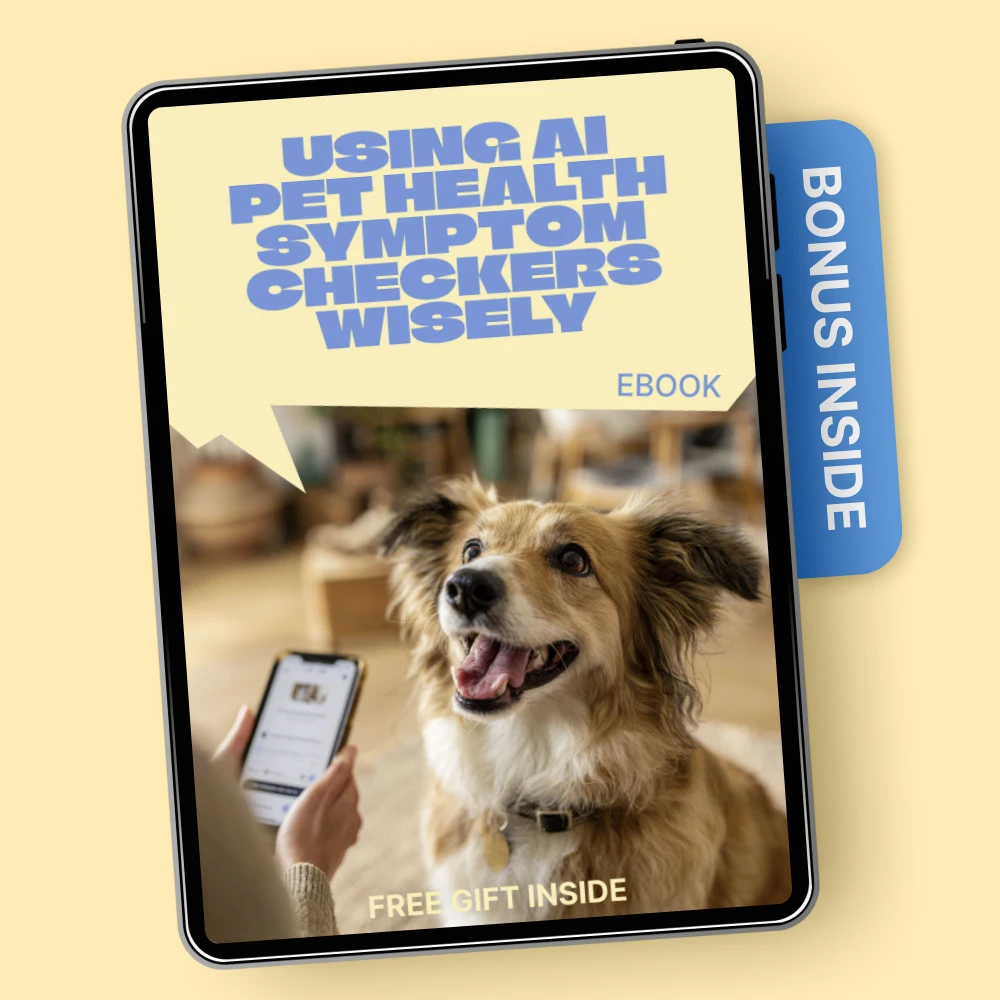
Using AI Pet Health Symptom Checkers Wisely | Smart Pet Care eBook for Owners | ai pet health symptom checker Guide
Choose Images and Sound With Care
Use photos, footage, music, and voices that you created or have permission to use. If the video portrays a real pet, avoid presenting invented behavior or symptoms as something that actually happened.
AI video can be useful for telling a story or illustrating a pet-care idea, but it should not stand in for observing an animal’s real condition. For health-related questions, our Using AI Pet Health Symptom Checkers Wisely guide is a more relevant place to start than a generated clip; contact a veterinarian about concerning symptoms.
Finish and Share Responsibly
Preview the finished video with the sound on and off so you can catch confusing captions, abrupt edits, or audio that changes the meaning. Export it in a format suited to where you plan to share it, and label realistic AI-generated scenes when viewers might otherwise mistake them for genuine animal footage.
Our team recommends starting with a simple concept and a few short clips rather than trying to generate an entire story at once. You can then keep the scenes that work and replace only the ones that need improvement.
FAQ
Is there an AI animal video generator available?
Yes, AI video generators can create animal scenes from text prompts, and some can animate an uploaded image. Compare tools based on the style you want, their permitted uses, and whether they accept your source material.
Is it illegal to use AI to make videos?
Making an AI video is not inherently illegal, but copyright, privacy, publicity, and deceptive-content rules may apply to what you use and share. Obtain permission for protected material and avoid presenting a fabricated animal event as real.
See if Using AI Pet Health Symptom Checkers Wisely | Smart Pet Care eBook for Owners | ai pet health symptom checker Guide fits your setup








Leave a comment