
How to Make an AI Video of Your Pet: A Simple Guide
20% off on product page · save $3.00
How to Make an AI Video of Your Pet: A Simple Guide
Start with a good image
Choose a well-lit photo that shows your pet’s face, coloring, and body shape without a busy background; if the tool accepts multiple images, include a few angles so it has a better reference. For a pet with distinctive markings, make sure those markings are visible rather than relying on a written description alone.
Check the listed dimensions for start with a good image against the available vehicle space before use.
Pick a simple scene and write the prompt
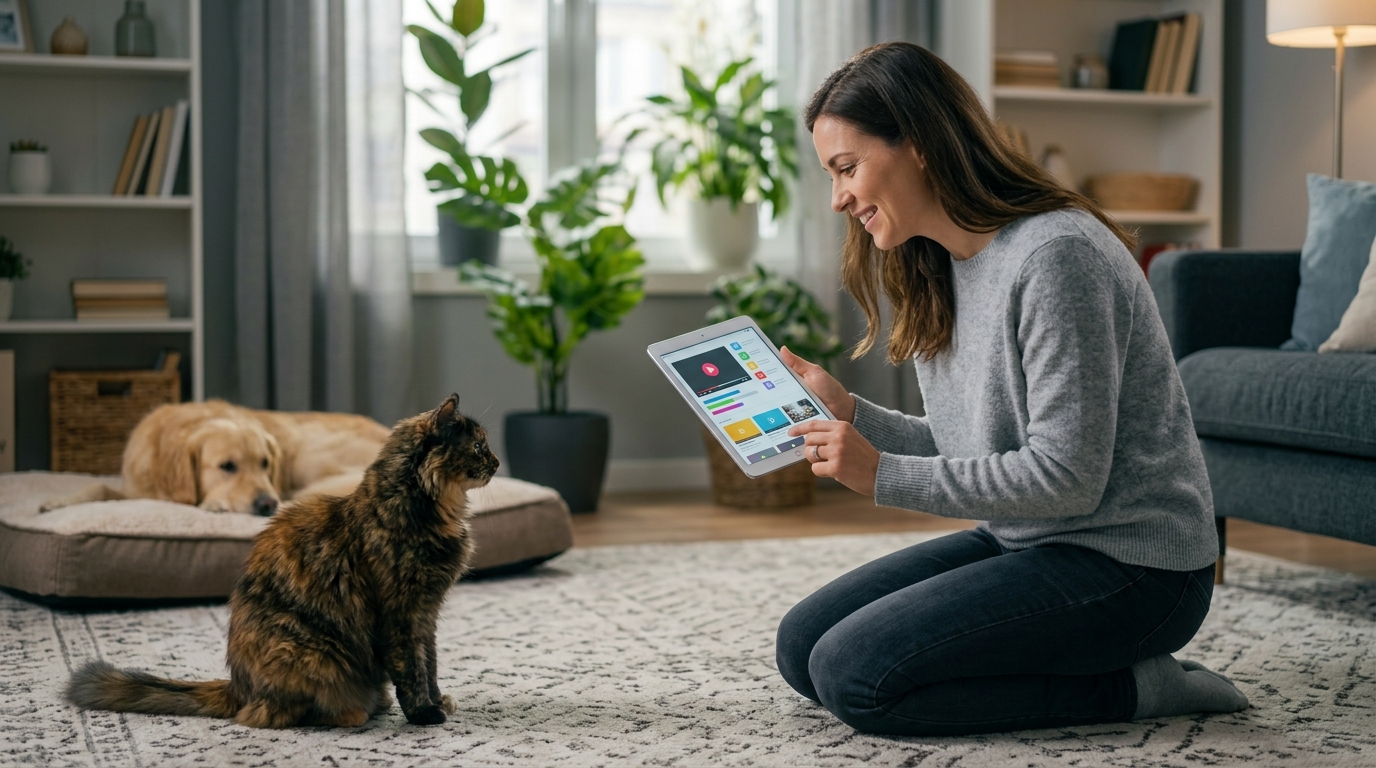
Decide whether you want a realistic moment, such as your dog walking through a park, or a playful fantasy, such as your cat piloting a spaceship, then choose a tool whose examples match that style. In your prompt, name your pet’s species and visible features, describe one action and one setting, and ask for a short clip to start; simpler directions are usually easier to revise.
Featured in this guide
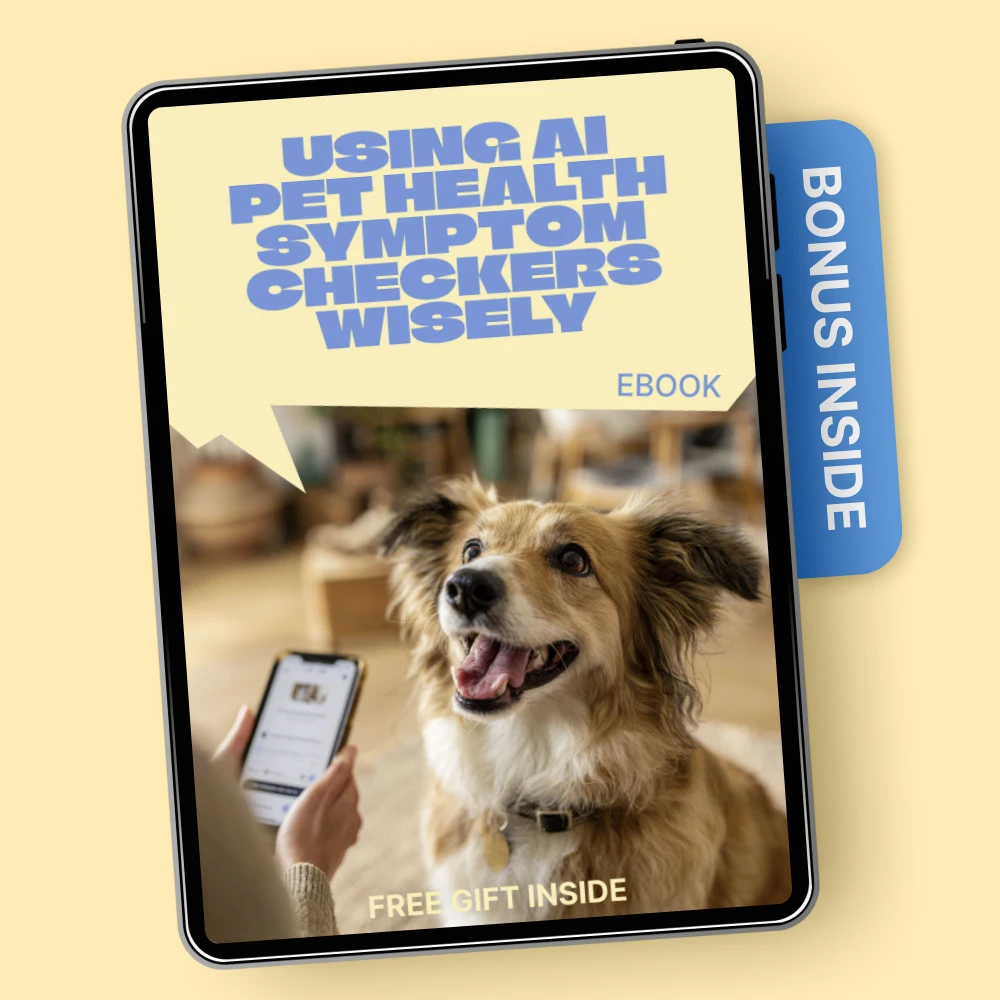
Using AI Pet Health Symptom Checkers Wisely | Smart Pet Care eBook for Owners | ai pet health symptom checker Guide
Generate, review, and refine
After the first render, look for changes to your pet’s face, markings, legs, or movement, and adjust the prompt or reference image if the result feels off. You can then add captions, music you have permission to use, or a voiceover in a video editor, but keep the final clip labeled as AI-generated if someone might mistake it for a real event.
Keep your pet’s privacy and care in mind
Before uploading, read the tool’s image-use and sharing settings, especially if a photo shows an ID tag, your address, or another person; cropping those details is an easy precaution. An AI video is creative entertainment, not a way to assess your pet’s condition: if you are also looking into health concerns, our Using AI Pet Health Symptom Checkers Wisely guide is a separate resource for owners, and a veterinarian is the right contact for urgent symptoms.
FAQ
How to make an AI video of your pet?
Upload a clear image to an AI video generator, describe a short scene featuring your pet, and generate a first draft. Review it for visual errors, then revise the prompt or image before downloading or sharing the clip.
How can I create AI animal videos?
You can use your own animal photo as a reference or describe an imagined animal in a text-to-video tool. Choose one action and setting for each short clip, then edit together the results you like while following the tool’s rules for images and music.
See if Using AI Pet Health Symptom Checkers Wisely | Smart Pet Care eBook for Owners | ai pet health symptom checker Guide fits your setup








Leave a comment